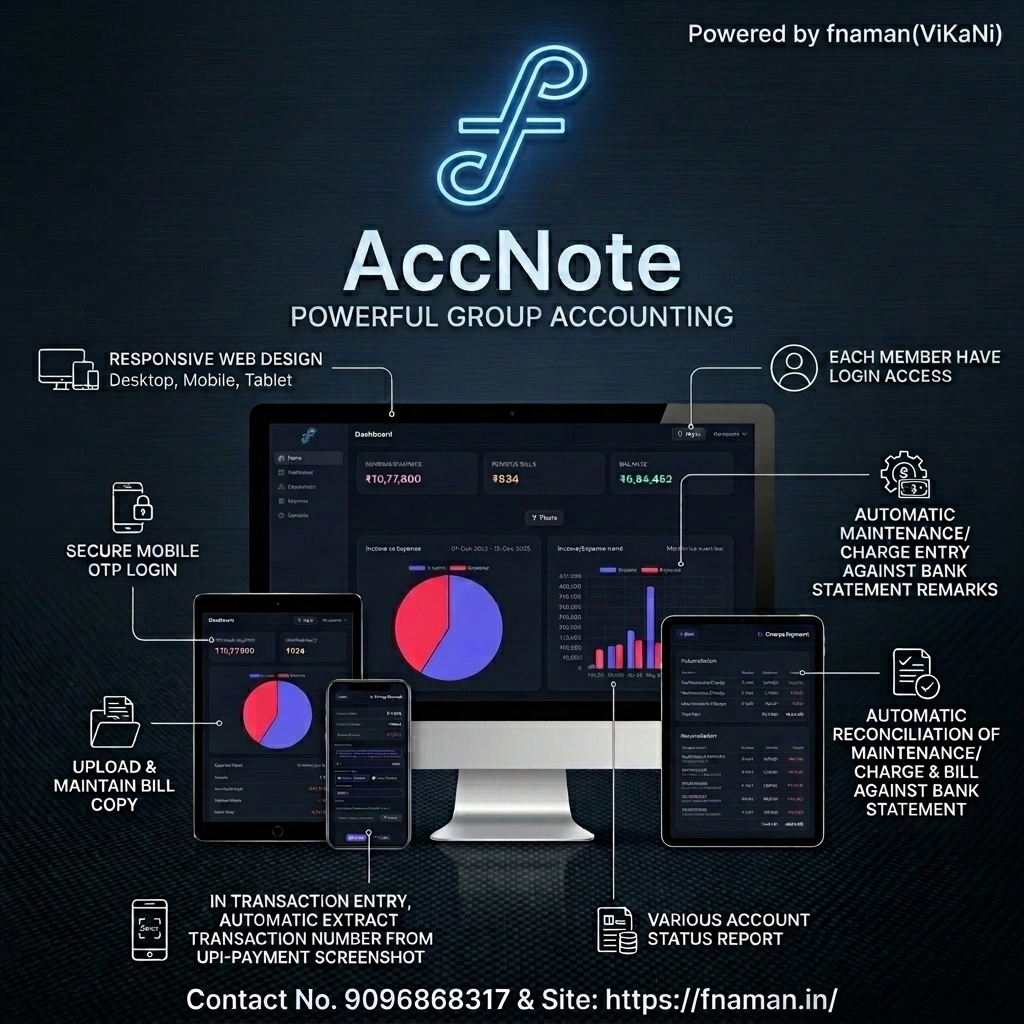
AccNote
Product Presentation & Feature Documentation Guide
1. Product Overview & Value Proposition
AccNote is a specialized cloud-based accounting platform designed to manage finances in groups containing 2 or more members—such as housing societies, apartment complexes, associations, clubs, and co-working spaces.
Why AccNote?
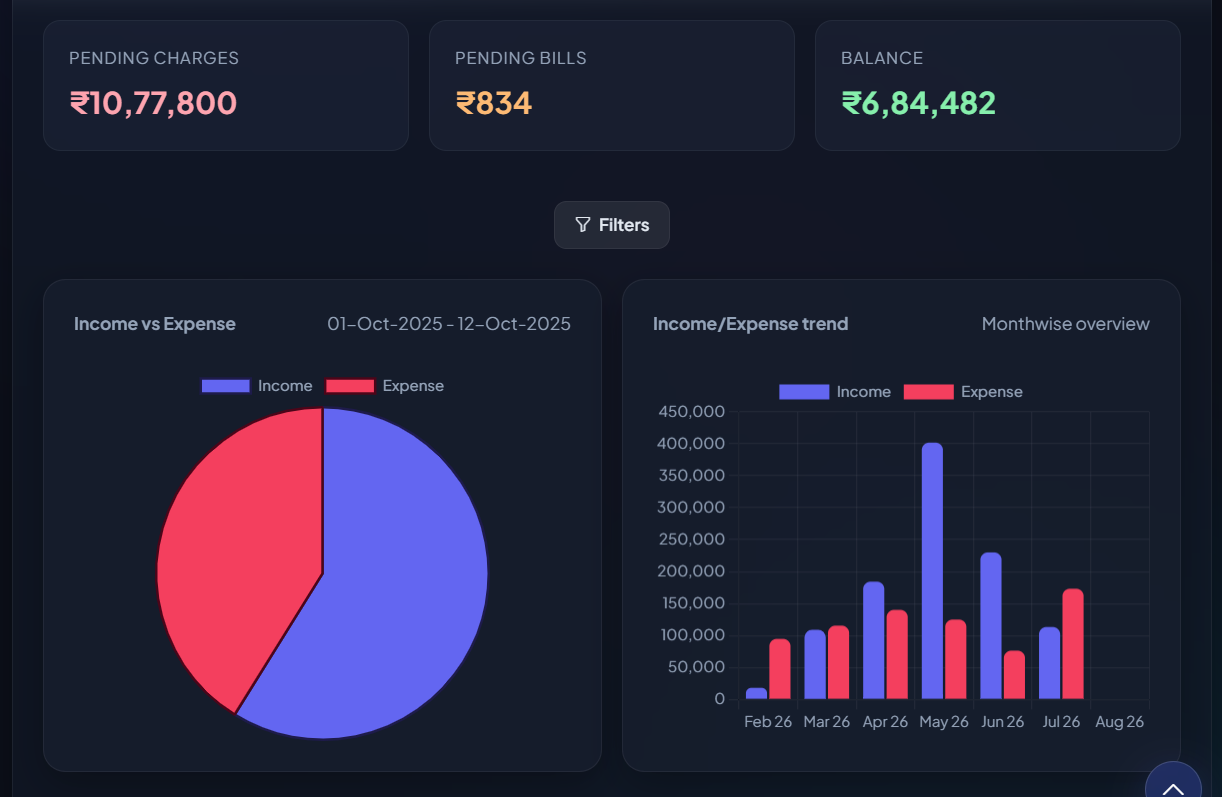
Managing housing society accounting is filled with challenges. The primary goal of AccNote is to ensure that every member of the group/society is fully aware of their group's financial status. At any time, members can instantly check their overall society balance, pending charges, total expenses, amount paid, and individual dues balance.
Resolving the "External Agency" Bottleneck
Traditionally, housing societies outsource bookkeeping to external accounting agencies. Members must share all expenses and bank statements with the agency, which maintains the books. This model has severe drawbacks:
- Restricted Access: Only a few selected committee members have direct access to the external agency.
- Information Delays: If a regular member wants to check their billing status or inspect society financial reports, they must first contact a committee member, who then contacts the agency. Obtaining actual account statements takes days, constant follow-ups, and email trails.
- Zero Transparency: The lack of real-time visibility compromises member trust.
AccNote eliminates these bottlenecks entirely. The same expense logs and bank statements are uploaded directly into this application. Once inside, every single member can log in securely to their own account and view all statuses in real-time, 24/7, without depending on committee members or agency staff.
2. Key Product Features
💻 Feature 1: Fully Responsive Design
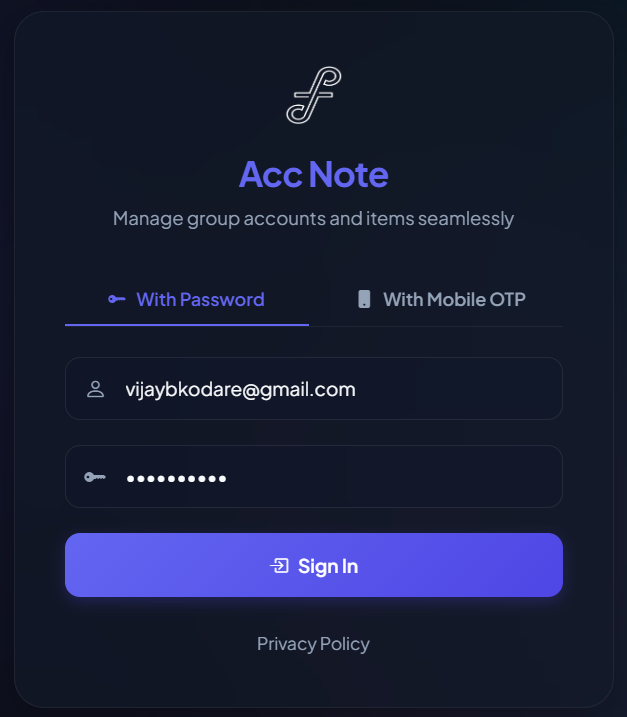
AccNote is built on a modern mobile-first design system. Whether administrators are running monthly reports on a laptop, or members are checking their dues on a mobile phone or tablet, the user interface dynamically adjusts to provide a clean, responsive, and readable experience across all device form factors.
Desktop Password Login
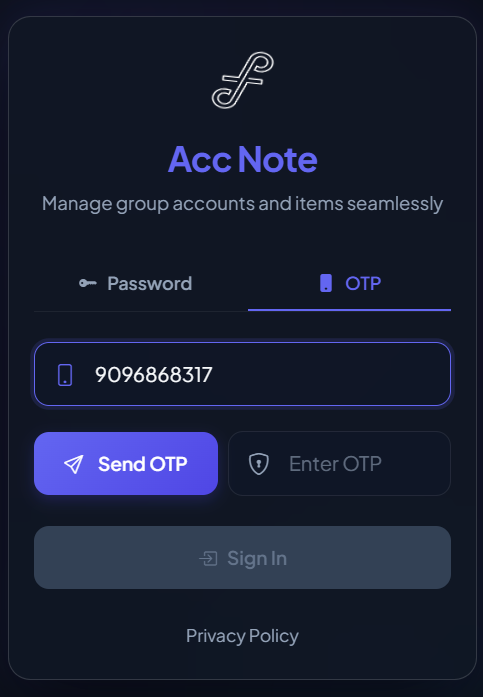
Mobile OTP Login
🔑 Feature 2: Dedicated Member Login Portals
Transparency is at the heart of AccNote. Every member of the organization has their own separate login credentials. Upon signing in, they are presented with a personal dashboard detailing their unique account statement, paid invoices, and pending dues.
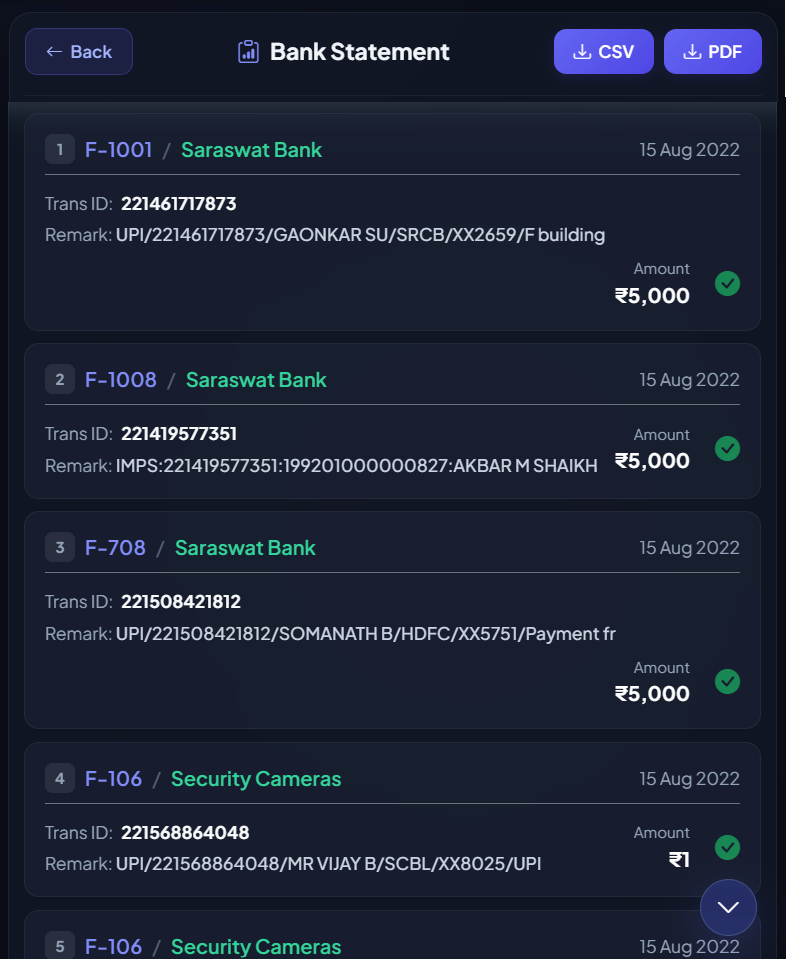
🏦 Feature 3: Smart Bank Reconciliation
Keep your books accurate without manual audits. The application has a dedicated bank statement reconciliation module. Admins can upload statements, and the system matches user-logged payment entries against actual bank transactions, highlighting any mismatches or discrepancies immediately.
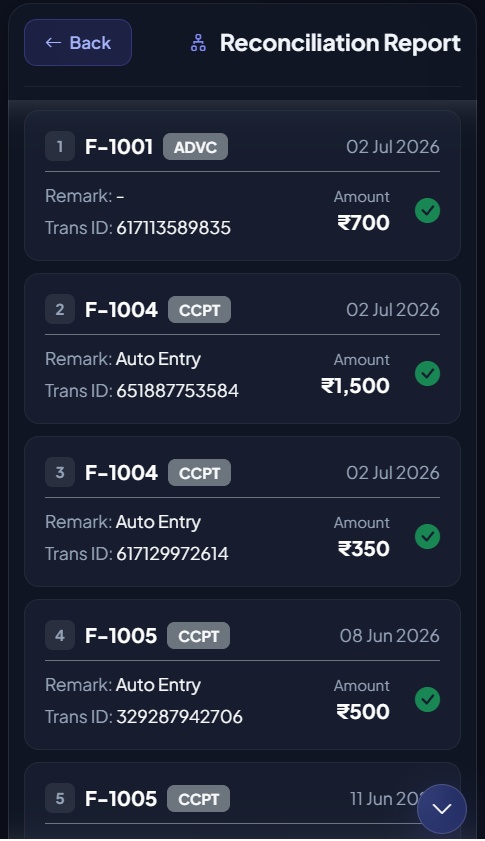
⚙️ Feature 4: Automated Entries from Bank Remarks
Say goodbye to manual invoice logging. Members typically make maintenance or charge payments via UPI or net-banking, which normally requires either the member or the administrator to manually record the payment inside the application.
AccNote solves this with automated entries matching remarks in the bank statement. When the bank statement is uploaded, the app analyzes the transaction remarks (such as UPI reference notes, flat numbers, or custom payment remarks) and automatically records the corresponding charge payment entry in the system. This completely eliminates manual billing tasks for recurring items like maintenance dues.
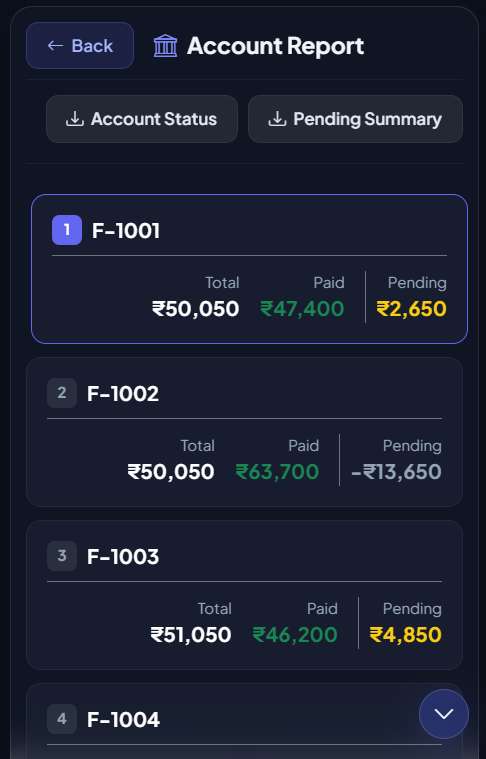
📊 Feature 5: Real-Time Account Reports
AccNote empowers all users by providing instant visibility into organization finances. Both administrators and group members can access and view real-time income vs. expense pie charts, trend graphs, and financial summary reports directly from their dashboard.
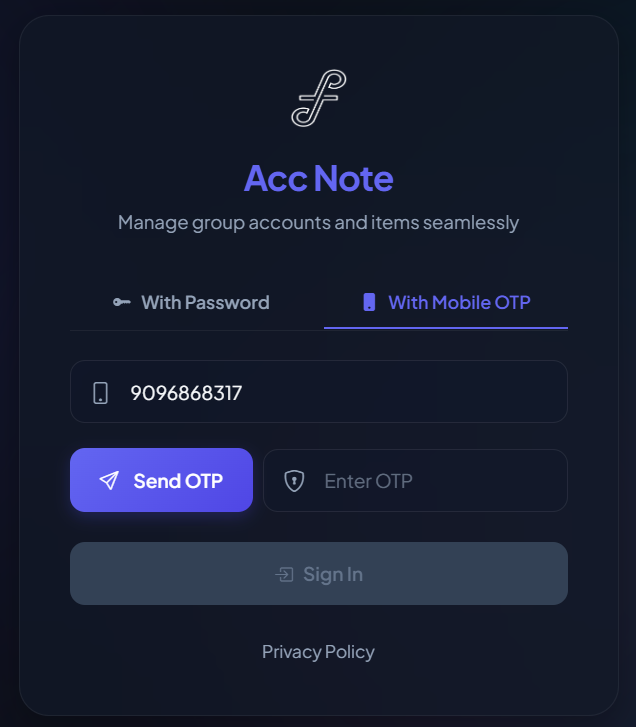
📲 Feature 6: Secure Mobile OTP Authentication
Simplify access security. Members can log in securely using their registered mobile number. A one-time password (OTP) is sent to their mobile device, bypassing the need to remember complex passwords while maintaining strict verification.
📸 Feature 7: Automated Receipt Upload & Transaction Matching
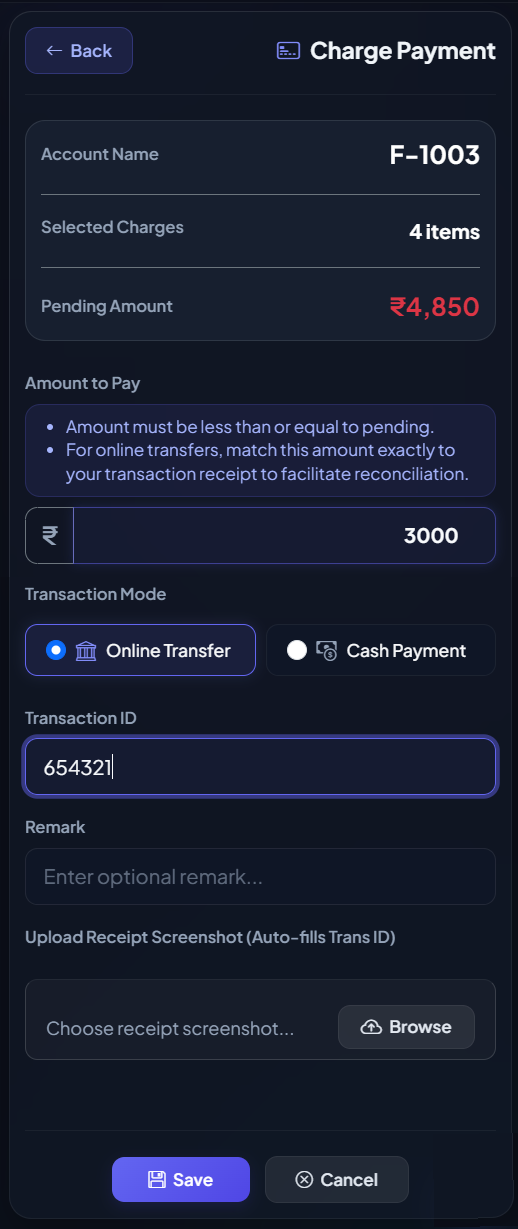
When members pay their bills or maintenance charges (via UPI, bank transfer, etc.), they can upload a screenshot of the receipt. AccNote automatically extracts the transaction number from the image, matching it to the corresponding bill and processing the payment instantly.
3. Application Module Walkthroughs
👥 Member Accounts
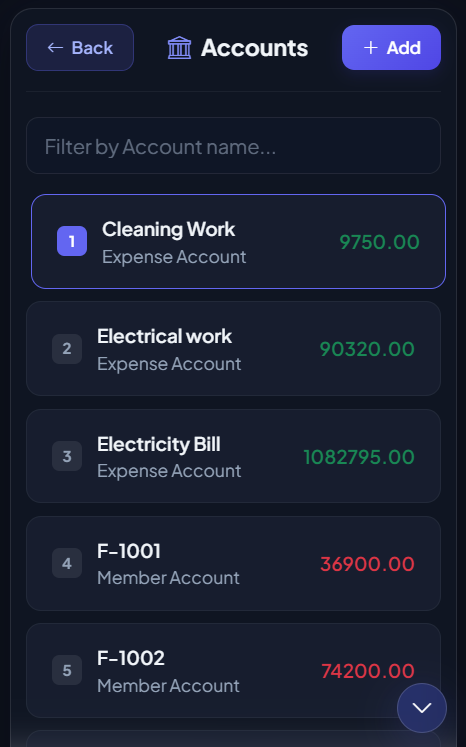
Administer and track individual member accounts in one unified panel. This module allows managing contact details, monitoring current balances, opening ledgers, and reviewing dues logs for each registered group member or flat owner.
📦 Service Items Catalog
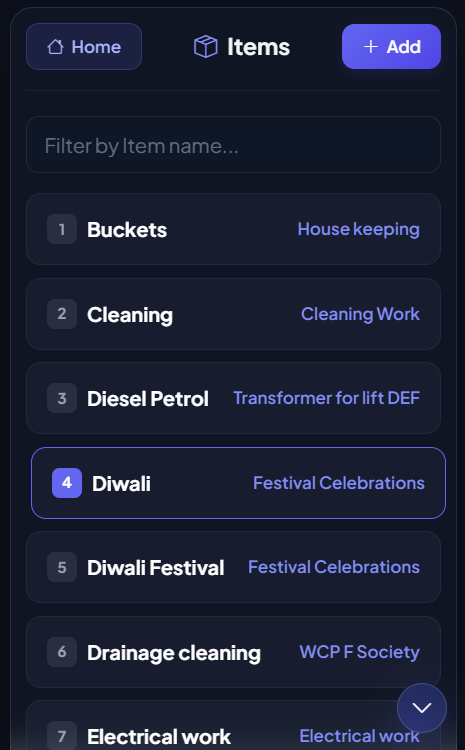
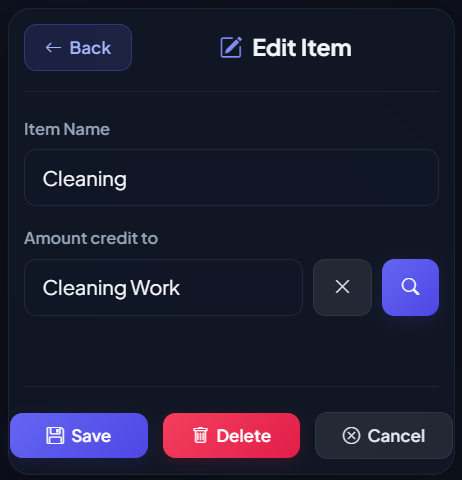
Define standard expense or income categories (items) like Monthly Maintenance, Security Fees, Water Charges, and Generator Backup. Setting up items ensures clean classification across billing entries, reports, and charts.
Items List
Add New Item
🔑 System Users & RBAC Configuration
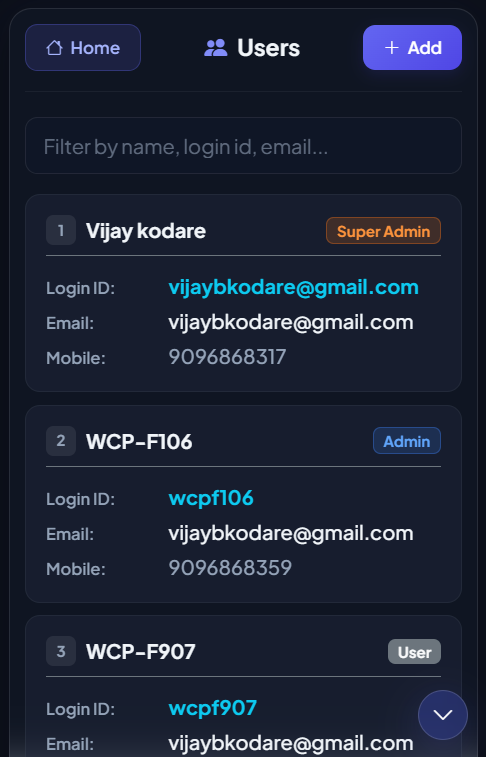
Configure administrators, auditors, and standard members with fine-grained access. The user list provides secure user profiles, credentials assignment, and logs for active logins.
📋 Charge Orders
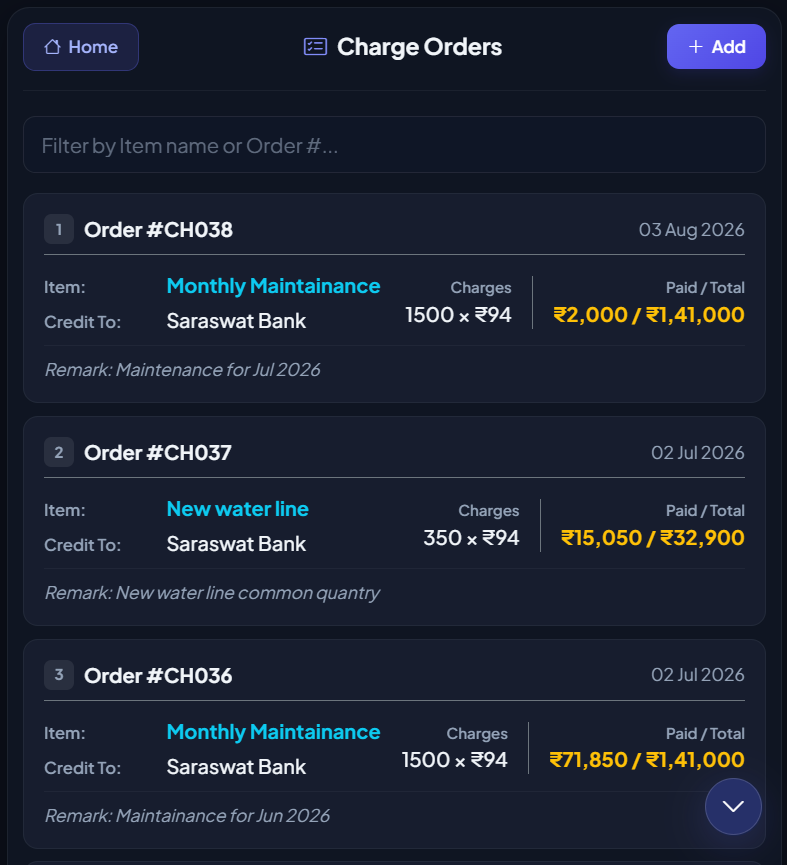
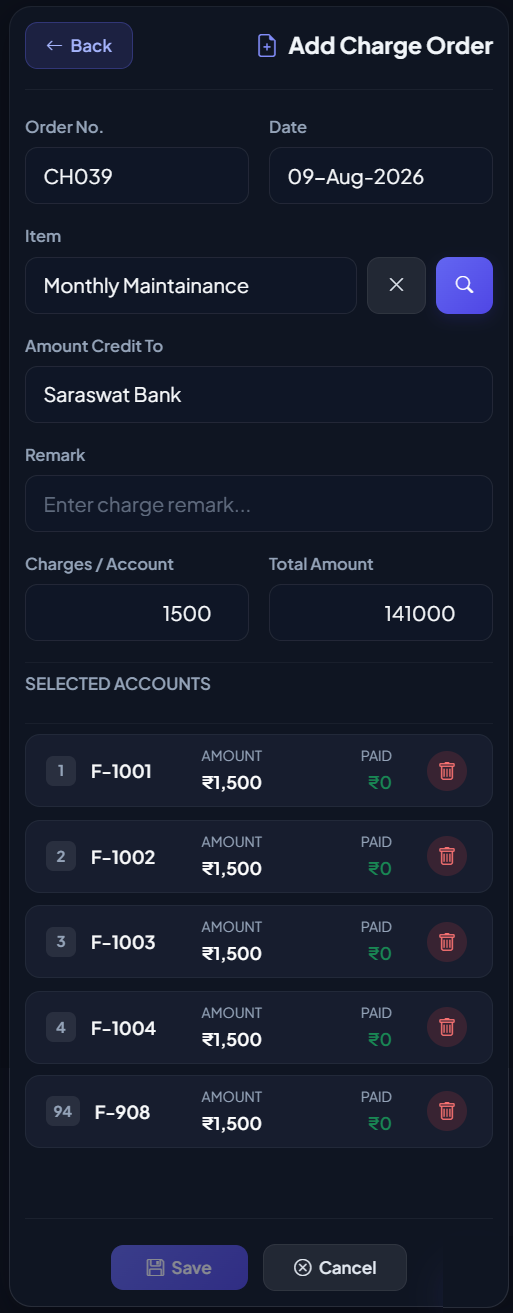
Create and post service charge bills to member ledgers. Charge orders allow applying monthly maintenance or customized fees to single accounts or in bulk across multiple member categories.
Charge Orders Log
Generate Charge Order
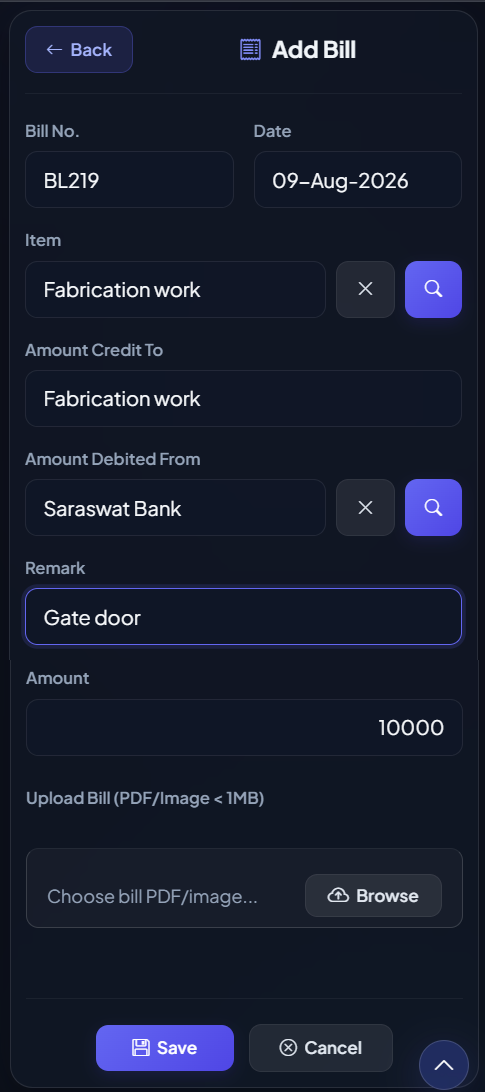
🧾 Vendor Bills & Expenses
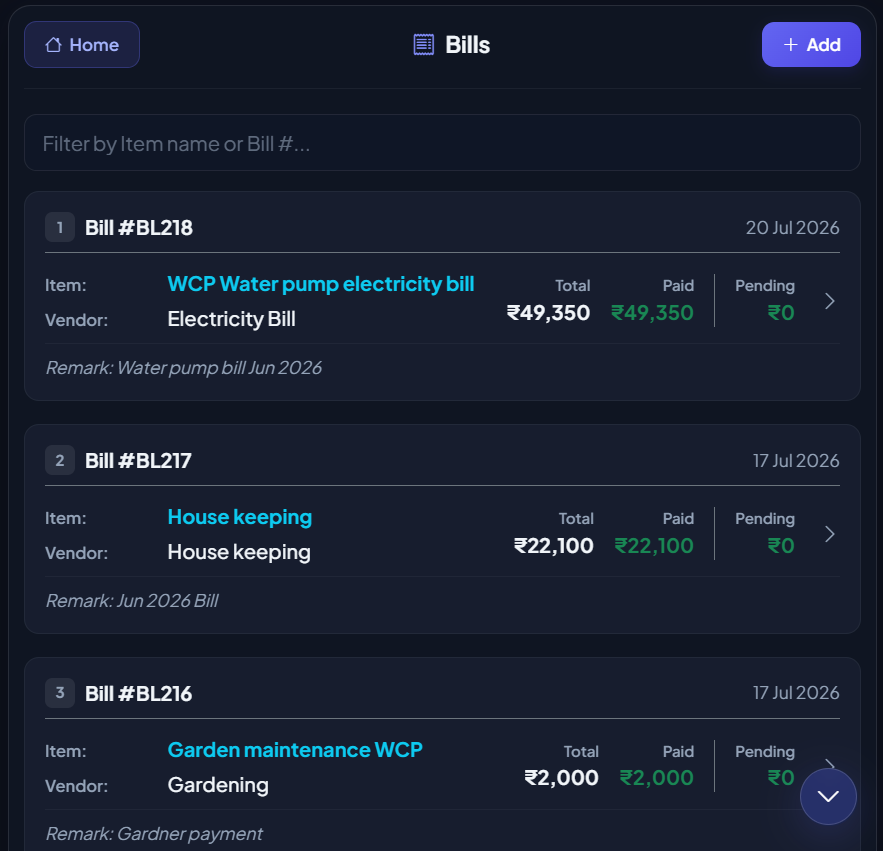
Track payments and pending invoices from third-party vendors and utility providers. Logging bills ensures that outward society expenses (such as municipal tax, elevator servicing, electricity) are balanced against member dues.
Bills Registry
Record New Bill
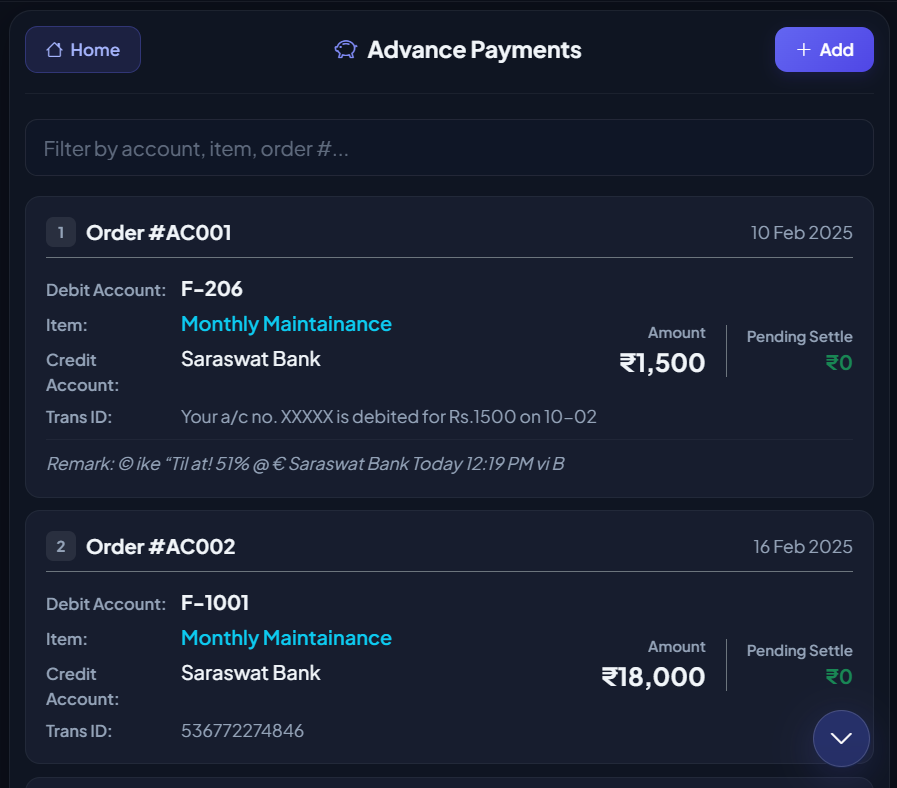
💰 Advance Payments
Record pre-payments from members who wish to maintain a positive balance for future invoices. Advance payments are tracked separately and can be applied dynamically to settle future maintenance charges or electricity bills automatically.
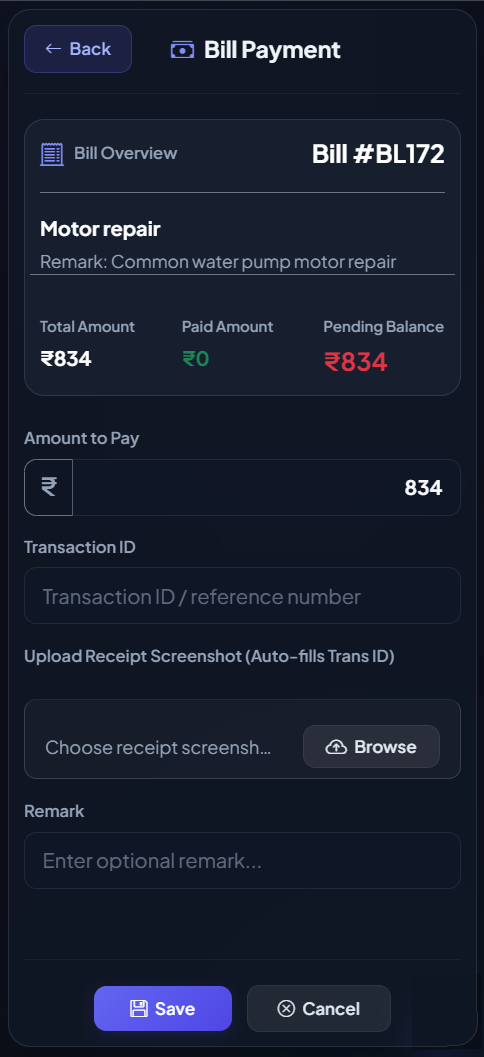
💳 Bill & Charge Payments
Log incoming dues settlements from members or outgoing invoice payments to vendors. Settle bills by recording transaction IDs, mode of payments (UPI/NetBanking/Cash), and reference remarks for subsequent reconciliation.
Member Dues Settlement
Vendor Bill Settlement
4. Role-Based Access Control (RBAC)
AccNote features a secure permissions system customized for organizations:
- Super Admin: Holds complete control over system configurations, organization details, and permissions.
- Admin: Handles day-to-day entries, billing configurations, receipt approvals, and reports.
- User: Accesses their individual portal to view personal dues, upload payment receipts, and view global reports.
- Auditor: View-only access to inspect the ledger, bank logs, and audit trails without ability to edit or modify data.